
A wallpaper that's alive
FauxWall turns your home screen into a live wallpaper that shows the time, your battery, and how your phone is doing. Pick a theme, see it on your own home screen, and tap Apply. That's it.
Free. No ads. Community themes are always free.
New to FauxWall? See how it works, step by step.
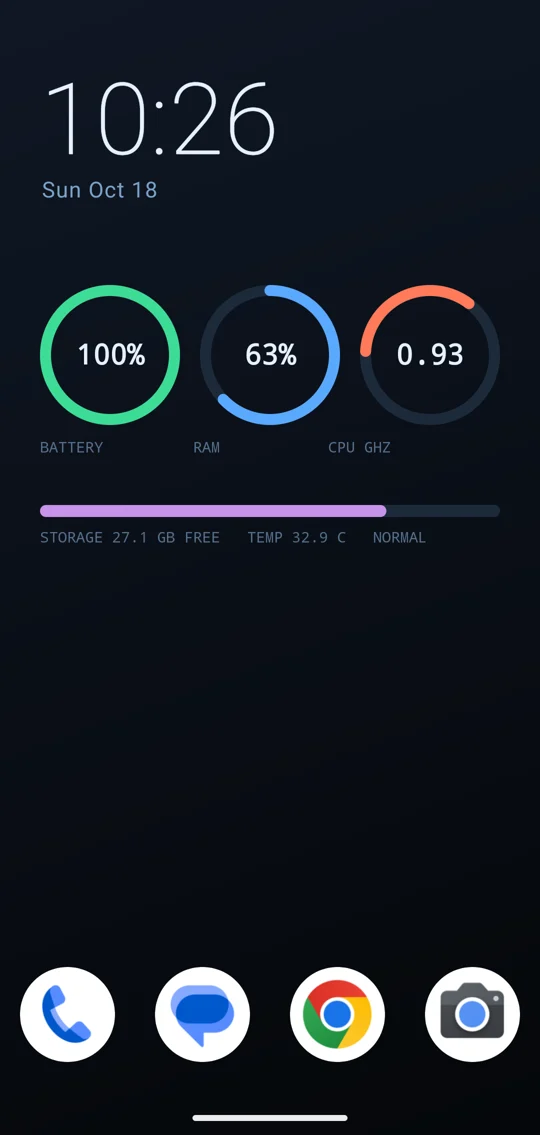
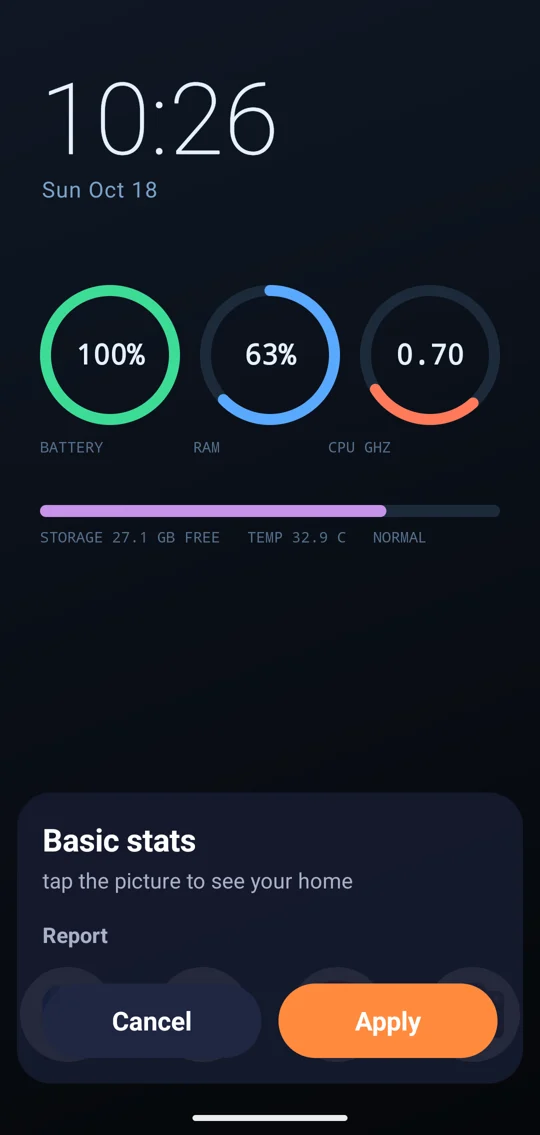
Make it yours in three taps
No import folders, no codes, no setup screens.
- Open ThemesBrowse pictures of every theme, drawn by your own phone, so what you see is what you get.
- See it on your homeTap a theme. It fills the screen with your real time, battery, and apps.
- Tap ApplyYou land on your home screen with the new wallpaper. Don't like it? Pick another.
Why people keep it
A beautiful wallpaper is only half of it. FauxWall keeps it in view and out of your way.
Live, not a picture
Clocks, dates, battery, memory, storage, and temperature update on the wallpaper itself.
Easy on the battery
It stops drawing the moment an app covers it or the screen turns off, and animates only for a few seconds when you return.
A clean home screen
Four apps in the dock. Swipe up along the edge for your favorites, or up from the middle for everything else.
Your widgets, one swipe away
Swipe sideways for a page of your Android widgets, so the wallpaper stays clear.
Safe by design
Themes are pictures and words, never code. Nothing a theme contains can run on your phone.
Your stats stay yours
Everything the wallpaper shows is read on your phone and never sent anywhere.
Two galleries, one tap apart
Switch between them at the top of the Themes screen.
Originals Reviewed
Themes made with original art and checked by FauxWall before they're listed.
Community Always free
Themes shared by FauxWall users. Nobody can sell them, and FauxWall earns nothing from them. More about Community
- Tap More by in a theme's preview to see everything that creator has made.
- Report anything that doesn't belong. Block a creator to hide their themes.
For creators: design in your browser
FauxWall Studio runs in your desktop browser. Drag clocks, gauges, and pictures onto a phone, see it live, and share it. Everything for creators
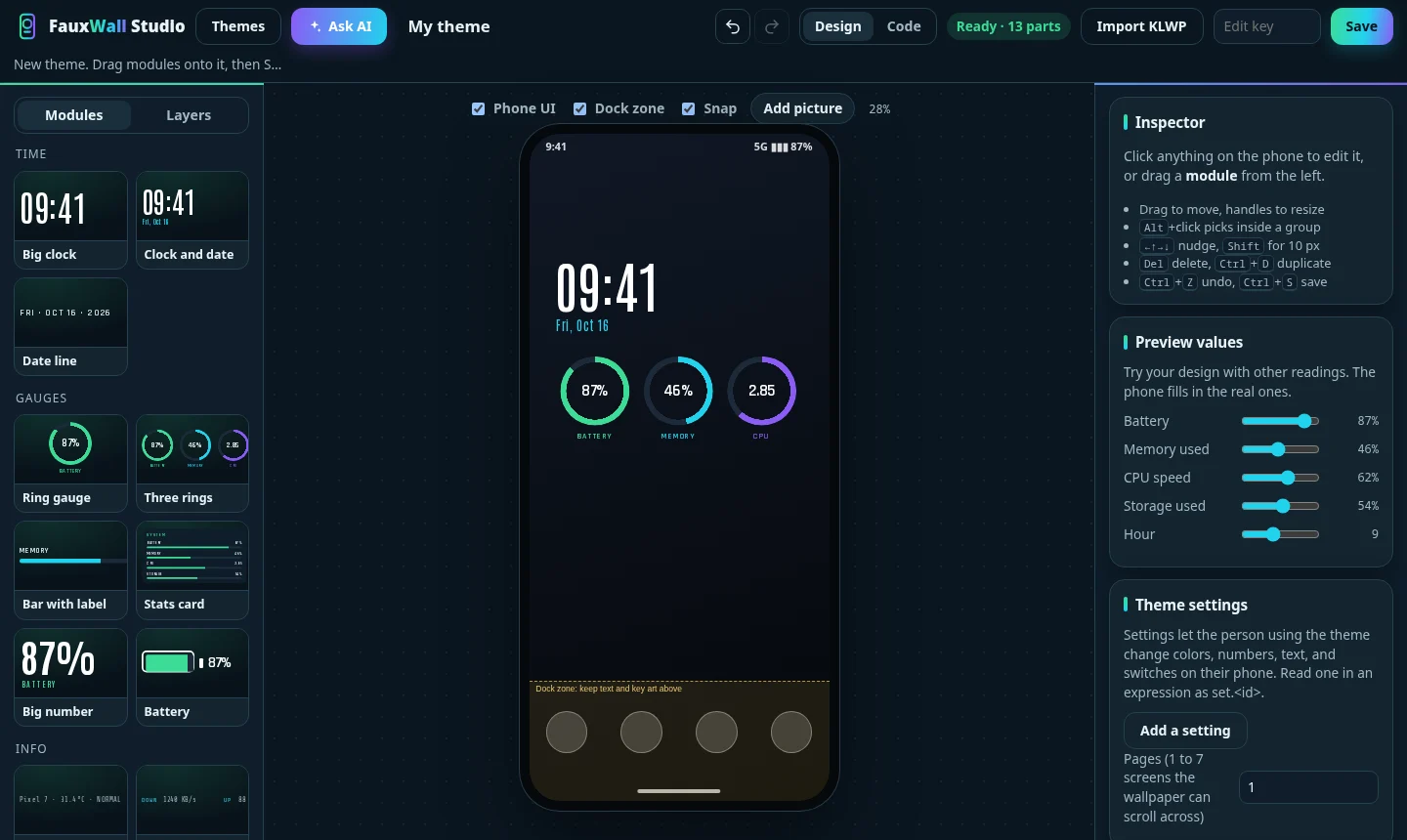
- BuildStart from a blank phone or describe a look and let Ask AI lay it out for you.
- Try it on your phoneSave it to My themes, then open the link in the FauxWall app. It's private until you share it.
- Share itPick a creator name and tap Share to Community. Anyone can find it, free.
Share only art you made or have the rights to. The community terms in FauxWall Studio explain the rules and how copyright reports work.
More apps from the same developer
One tap on a badge opens the download page.


RomRoster
One list of every game on every handheld you own. See what is on which device.
For Android, iPhone, and iPad

 Coming soon

Shellvana
An SSH client that renders terminal output as readable prose, not a tiny grid.
For Android, iPhone, and iPad



FauxCooling
Fan control for your gaming handheld. Keep it cool and keep playing.
For Android handhelds

Net SD card
Your PC game library, shown to your Android emulators as if it were on the SD card.
For Android
- Coming soon

Face Trend
Watch how your face changes over time, privately, on your phone.
For Android and iPhone
- Coming soon
- Coming soon
Questions or ideas? Join the FauxApps Discord.